

YouTube to Transcript: How to Extract Text from Any Video Instantly
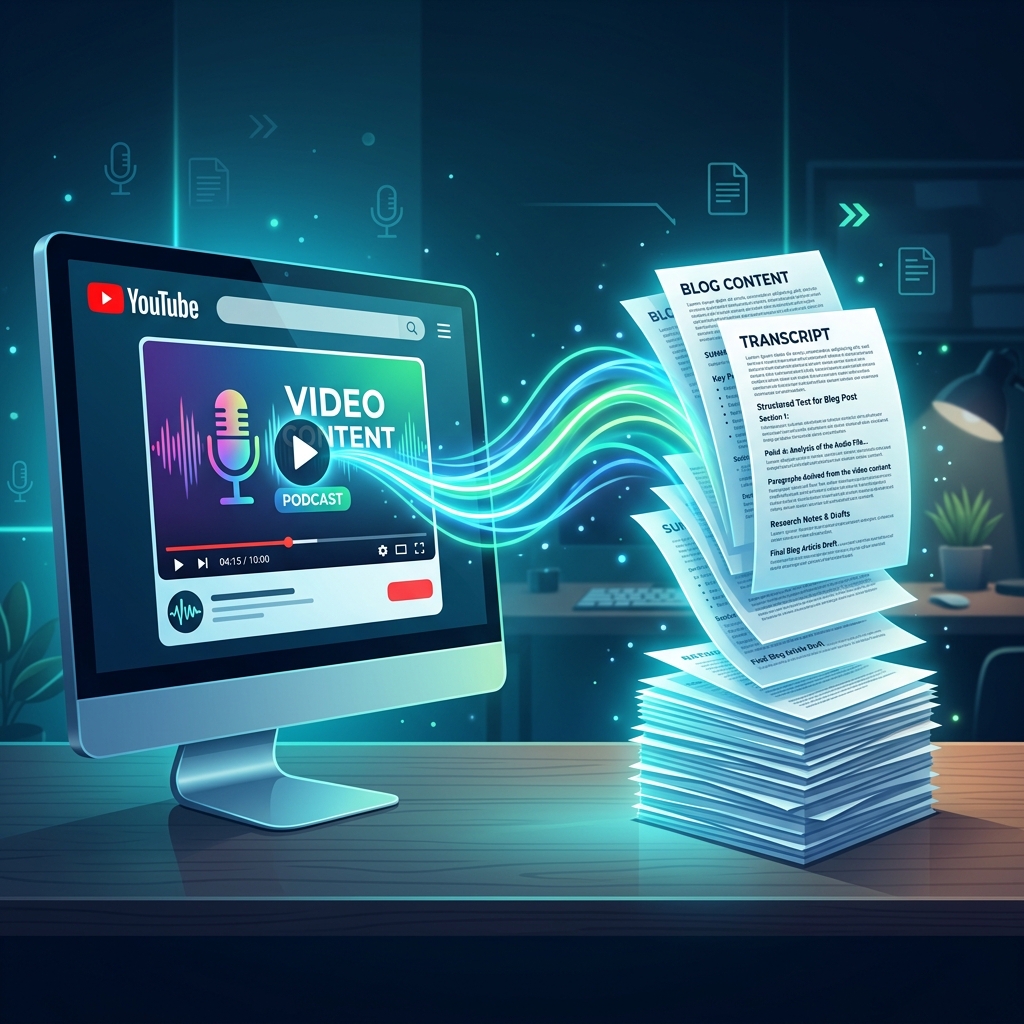
In the modern digital age, video content is king. However, reading text is often much faster than listening to audio. Whether you are trying to study for exams, grab key quotes from an interview, or skim a long tutorial, converting YouTube to transcript text is the ultimate shortcut.
In this guide, we will explore the absolute best ways to extract text from any YouTube video quickly, efficiently, and with the highest accuracy.
Why You Need a Dedicated Transcript Extractor
While YouTube has its own automated caption generator, it is far from perfect. If you’ve ever tried copying transcripts from YouTube, you’ve probably run into these common frustrations:
- Continuous Walls of Text: YouTube's native transcript lacks paragraph breaks, periods, and capitals.
- Translation Limits: Translating auto-captions to another language is clunky and often results in mistranslations.
- Time Marks Clutter: Copying directly from the player includes timestamps on every single line, which requires manual cleanup.
A dedicated YouTube video transcript extraction tool solves all of these problems by structuring the text, correcting grammar, and letting you download clean document files.
Steps to Extract Transcripts from YouTube Video
To get a clean transcript from any YouTube link in under a minute, follow this simple process:
Step 1: Copy the Video Link
Go to the YouTube video you want to transcribe. Copy the URL from your browser's address bar or click the Share button and copy the short link.
Step 2: Use an AI Extractor like TranscribeYT
Open TranscribeYT, paste your copied link into the main input field, and click Get Transcript.
Step 3: Edit and Annotate
Unlike basic scraping tools, TranscribeYT allows you to search through the text, highlight key sections, add personal notes, and even translate the entire transcript into dozens of languages with a single click.
Step 4: Download in Your Preferred Format
Click the Export button and select your format:
- TXT: Standard plain text for simple reading.
- PDF: Clean, styled document ready for printing or offline study.
- DOCX: Editable Word document for content creation.
- SRT / VTT: Subtitle files to sync back with your video editor.
Three Creative Ways to Use Video Transcripts
Once you have converted a video to text, here are a few ways you can use it to boost your productivity:
- Create Study Guides: Transcribe lectures and use the text to create summary cards, bullet lists, or outlines.
- Repurpose Content: Convert podcasts and video essays into blogs, newsletters, or social media threads.
- Analyze Research Data: Easily search through transcripts of long conferences, press releases, or research videos to find specific keywords.
Start Extracting Now
Ready to convert your first YouTube video to text? Try TranscribeYT now and experience instant, high-fidelity transcription!